A reference image only helps an AI video model if the prompt says what that image is for. Uploading a set of pictures and hoping the model works out which one is the lead actor, which is the location and which is the palette is the most common cause of blended, corrupted output. Reference systems have expanded quickly in 2026, with some models now accepting dozens of assets in a single generation, and that capacity has made labelling more important rather than less.
The rule that governs all of it: if you can show it, do not describe it, and whatever you show, name its job.
What Belongs in a Reference and What Belongs in Words
References carry appearance. Prompts carry behaviour. A photograph is a far more precise description of a face, a jacket, a room or a colour palette than any sentence you could write, and every sentence you spend describing those things is a sentence not spent on action, timing and camera.
So the split is clean. Identity, wardrobe, environment, product and palette go in images. Action, sequence, camera, timing, continuity rules and sound stay in text. Producers who follow this consistently write shorter prompts and get more predictable takes.
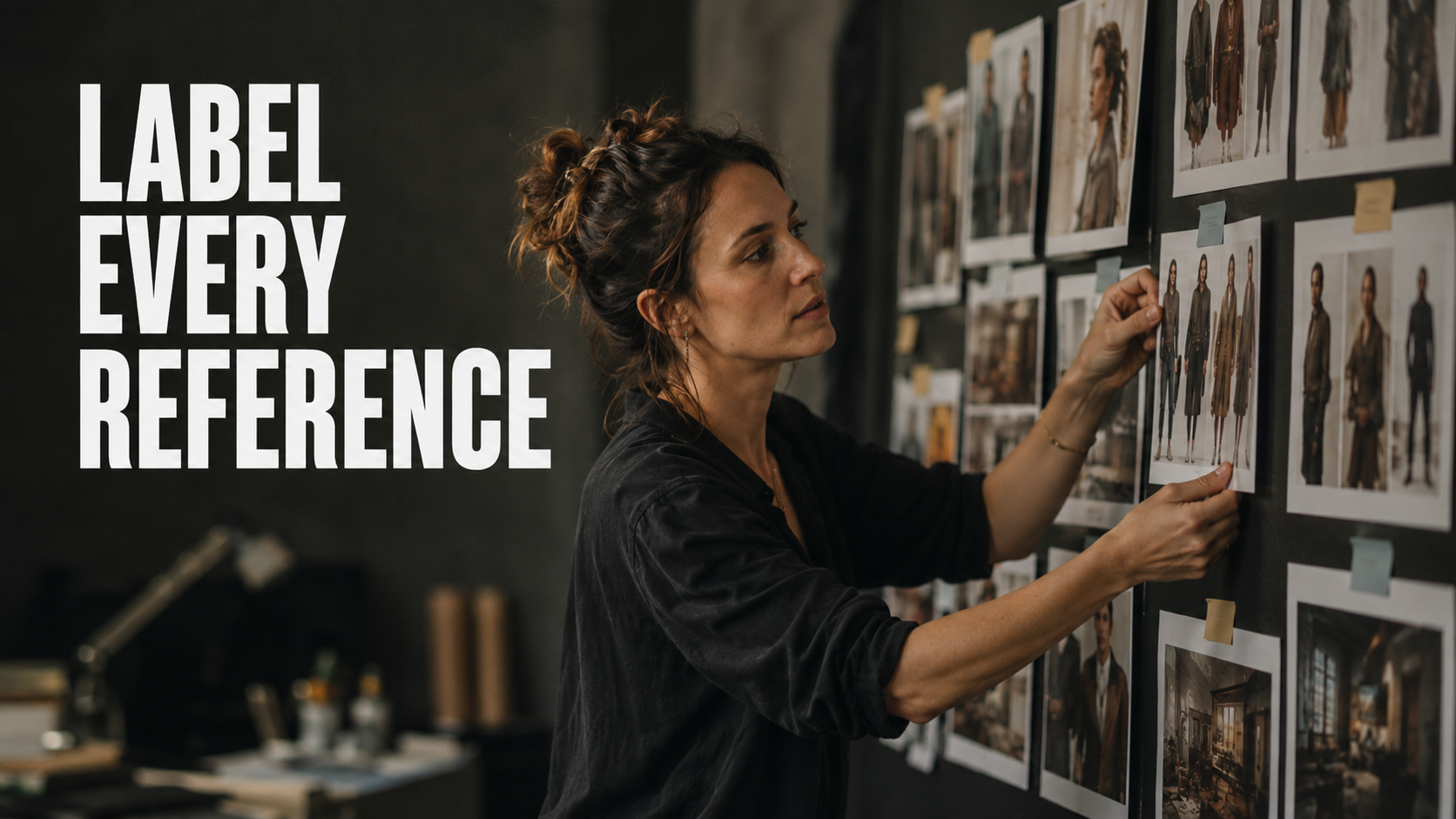
Label Every Reference by Role
Attaching an asset is only half the instruction. The prompt has to assign it a role, and most current models expose a tagging convention for exactly this, addressing assets by number so that a line can point at one specifically.
A labelled set looks like this: image one is the lead character, use her face and hair exactly. Image two is her wardrobe for this episode. Image three is the apartment interior, match the layout and window position. Image four is the colour palette reference only, do not copy its composition.
That final clause matters enormously. A palette reference with no restriction will often have its composition copied too, which is how a mood board ends up dictating a shot it was never meant to control.
Fewer, Better References
High reference limits invite overloading, and overloading is where quality drops. Every additional asset is another set of visual signals the model has to reconcile, and conflicting signals average out into something bland. Six well chosen and clearly labelled references beat thirty vague ones consistently.
The practical approach is to start with a small coherent set covering the elements that must stay locked, generate, and only add assets when a specific failure justifies one. Adding references speculatively is how producers end up unable to explain why a scene stopped working.
Reference Conflicts and How to Spot Them
Conflicts are usually invisible until output goes wrong. Two references shot under different lighting will fight over the scene lighting. A character reference in a wide shot and an environment reference in a tight one will fight over framing. A wardrobe image on a different body type will drag the character proportions with it.
The diagnostic is simple. If output looks averaged rather than wrong, suspect a conflict and remove one asset at a time. If output looks specifically wrong, the problem is more likely a missing label.
Worked Example: Casting a Two Character Scene
A producer building a workplace microdrama needed two recurring characters in the same frame, in a set that appears in eleven episodes.
First attempt. Eight images uploaded: three of character A from a photoshoot, two of character B, two of the office, one mood board. No labels. Result: the two characters drifted toward each other in appearance, both picking up features from the other, and the office changed layout between takes.
Second attempt. Cut to five. One frontal reference per character, clearly assigned by name and screen position. One wide of the office labelled as the environment with the instruction to keep the window on the left. One palette reference explicitly restricted to colour only. Prompt text spent entirely on blocking and dialogue rather than physical description.
The second version held both identities across the take and kept the room consistent enough to intercut with the other ten episodes. The change was fewer assets, each doing one job it was told to do.
Common Mistakes With References
Uploading without labelling. The single largest cause of blended characters.
Describing what the reference already shows. Duplicating the image in words gives the model two sources that never match perfectly.
Using a mood board as a character reference. Multi image collages confuse identity locking badly.
Ignoring screen position. With two characters, say who stands where, or the model will decide and change its mind between takes.
Reusing references across incompatible lighting. A daylight portrait fights a night interior. Generate a lit variant first.
Treating a palette reference as unrestricted. Always state what to take from it and what to ignore.
Building a Canonical Reference Set
A production that generates fresh references per episode will drift, because each new generation is an approximation of the last one. The alternative is a canonical set: a fixed group of images per character and per location, generated once, approved once, and reused without modification for the whole season.
For a character that usually means a frontal neutral, a three quarter, a profile, a full body for proportion, and one per recurring wardrobe state. For a location it means a wide that establishes layout and two or three angles that will actually be shot. Anything beyond that is rarely used and adds conflict risk.
The discipline is to treat that set as locked. When a producer regenerates a character reference in week six because they think they can get a slightly better one, the show changes appearance in the middle of the season and nobody can say exactly when.
Reference Roles Worth Naming
Beyond the obvious identity and environment roles, several assignments are underused and solve specific problems.
Motion reference. A clip whose movement or camera behaviour you want inherited, with an explicit instruction to take the motion and not the appearance.
Lighting reference. An image used only for how the scene is lit, with composition and subject explicitly excluded.
Wardrobe reference. Separated from the identity reference so a character can change clothes without their face being regenerated.
Prop reference. A single object that must be recognisable across episodes, kept apart from the environment image so it does not get treated as set dressing.
Naming these roles explicitly in the prompt is what makes them work. An unlabelled lighting reference is just another image of a person.
When to Stop Adding References
The practical stopping rule is that a reference earns its slot by fixing an identified failure. If you cannot name the specific problem an asset solves, it should not be in the generation. This is unintuitive on models that advertise very high reference limits in 2026, but capacity is not a target.
The failure mode of an overloaded set is subtle: nothing looks broken, everything looks slightly generic, and no single asset is obviously at fault. Producers can spend days in that state. Cutting the set in half and rebuilding it one labelled asset at a time is almost always faster than diagnosing it.
Reference Hygiene Before Generation
A short check before each scene prevents most reference failures and takes under a minute.
Confirm every attached asset has a stated role in the prompt text. Confirm no two assets are competing for the same role. Confirm the prompt does not describe in words anything an attached image already carries. Confirm any palette or lighting reference has an explicit exclusion clause. Confirm the lighting in the character references is compatible with the scene you are about to generate.
Five checks, and they catch the overwhelming majority of blended characters, drifting environments and averaged output. Producers who run them habitually generate fewer takes per usable shot, which across a sixty episode season is the difference between a schedule that holds and one that does not.
Frequently Asked Questions
How many reference images should a microdrama scene use?
Usually four to eight. One per locked element, plus a palette reference. Add more only in response to an identified failure.
Can I use a video as a reference instead of an image?
Where the model supports it, yes, and it is the better choice for motion and camera behaviour. Label it explicitly as a motion reference so it is not read as style or identity.
Do references replace a character sheet?
No. A character sheet is what you generate references from. Keeping a canonical set per character is what allows episode forty to match episode one.
Why do my two characters keep merging?
Almost always unlabelled references plus unstated screen positions. Assign both, by name and by side of frame.
Should reference images match the target aspect ratio?
It helps for environments, where framing is being inherited, and matters much less for faces, where you are only borrowing identity.
What if the model ignores a reference completely?
Check whether another asset is contradicting it, and check that the prompt text is not describing that same element in different terms. Competing instructions usually resolve as omission.
Start Directing Instead of Guessing
Every technique on this page gets easier when the take, the references and the continuity rules live in one place instead of scattered across tabs and text files. That is what Vertex is built for. Create a free account at MinionArts and start building your first microdrama scene today.