What is AI video generation?
AI video generation is the process of creating video content using machine learning models instead of traditional filming. Instead of cameras, lighting setups, and actors, you work with prompts, references, and structured inputs.
At a surface level, it feels simple. You type a prompt, and a video is generated. But in practice, the quality of output depends heavily on how well you understand the system behind it.
Most AI video outputs are built from three core inputs:
Text prompts, where you describe the scene, action, lighting, and mood. Image references, which guide composition and character consistency. Motion instructions, which define how the scene evolves over time. The better these inputs are structured, the better the output.
Types of AI video generation
Not all AI video generation works the same way. Different approaches are used depending on the use case.
Text-to-video
This is the most common entry point. You describe a scene, and the model generates it.
It works well for:
rapid ideation
storytelling experiments
concept visualization
However, outputs can feel inconsistent if prompts are not detailed enough.
Image-to-video
Here, you start with an image and animate it.
This is far more controlled and is widely used in:
product ads
character-driven content
brand visuals
Because the base frame is fixed, consistency improves significantly.
Multi-shot generation
This is where things start to look professional.
Instead of generating a single clip, you create multiple shots and stitch them together into a sequence.
This approach is used for:
advertisements
reels and short-form content
cinematic storytelling
The key difference is that you are no longer generating clips—you are constructing a narrative.
Kling vs Veo: what actually matters
Most discussions around AI video focus on comparing tools. Kling and Veo are often positioned as competitors, but they serve slightly different strengths.
Kling performs well when motion is important. Actions like walking, turning, or interacting with objects tend to feel more natural. This makes it useful for dynamic scenes.
Veo, on the other hand, is stronger in maintaining visual consistency. Lighting, framing, and overall cinematic quality are more stable, especially when prompts are structured well.
A practical way to think about it:
Use Kling when movement and realism in action matter
Use Veo when control, lighting, and composition matter
In most real workflows, both are used together rather than in isolation.
Why most AI videos still look average
Even with powerful tools, a large percentage of AI-generated videos still feel unpolished. This is not because the models are incapable, but because the approach is incomplete.
Common issues include:
lack of continuity between scenes
no clear camera direction
inconsistent lighting and composition
isolated clips instead of structured sequences
When a video lacks progression, the viewer senses it immediately. It feels like a generated clip rather than a crafted piece of content.
How to create high-quality AI videos
The difference between average and high-quality output comes down to structure.
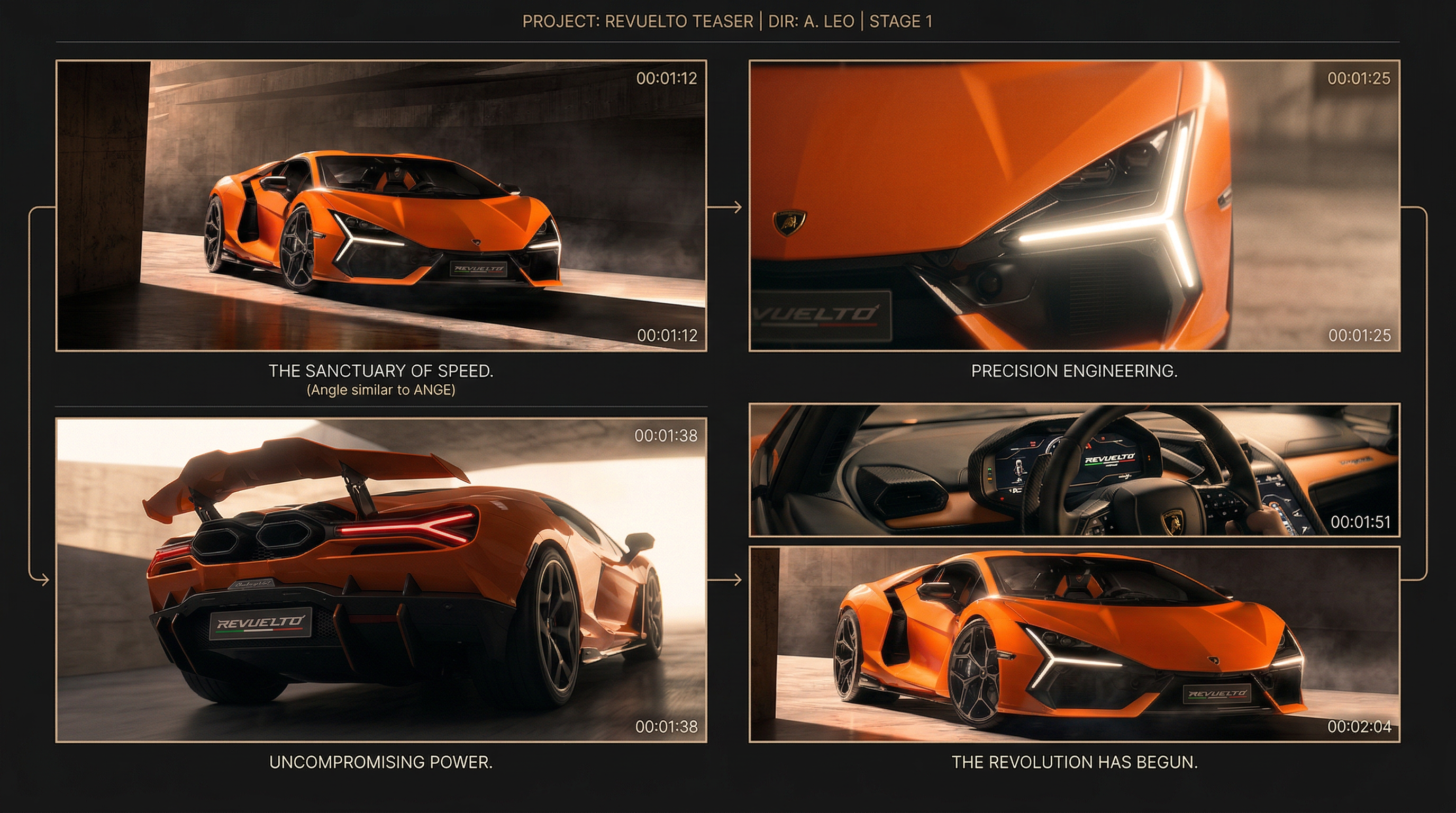
Step 1: Break the idea into shots
Instead of generating one long clip, divide the concept into multiple shots.
A simple structure could be:
an establishing shot to set the scene
a medium shot to introduce the subject
a close-up for emotion or detail
a motion shot for transition
a final shot for payoff
Each shot can be generated separately and then combined.
Step 2: Control camera behavior
AI responds strongly to camera instructions. Without them, outputs feel flat.
Include elements like:
camera angle (eye-level, top-down, low-angle)
lens type (35mm, 85mm, wide-angle)
movement (dolly, pan, zoom, handheld)
These small details significantly improve realism.
Step 3: Maintain consistency
Consistency is one of the hardest problems in AI video.
To improve it:
reuse the same reference images
keep lighting descriptions similar across shots
maintain character and environment details
Even slight variations can break immersion.
Step 4: Combine outputs into a sequence
Once individual clips are generated, they need to be stitched together.
At this stage, you add:
pacing
transitions
sound design or music
This is where isolated clips turn into actual content.
Where AI video generation is heading
The tools themselves will continue to improve, but the biggest shift is happening in how they are used.
Instead of focusing on single outputs, creators are moving toward systems that allow them to:
generate multiple variations quickly
maintain consistency across scenes
scale production across campaigns
This shift is turning individual creators into production systems.